Add a Link to a Module
You can link to any module in the CMS. This type of link creation may come in handy if you have a lot of content on one page, and would like to link to the center or bottom content area of a page. This is assuming that the content is broken up into several different modules.
For example, the CMS allows you to create a link to the module titled "Text Module Functionality" which is in the middle of the Text Module" page.
Every module in the CMS has its own unique ID. First, hover over the top area of the module you would like to link to. A yellow bar accross the content area will appear. On the left hand side, you will see the Module ID number and Module ID type. In this exercise, you will only need to pay attention to the Module ID number.
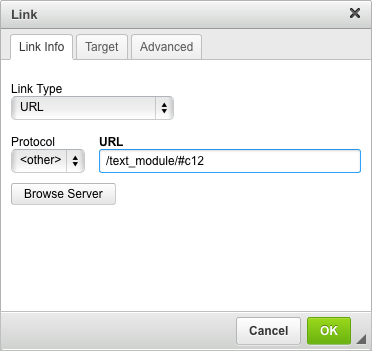
The module ID number of the "Text Module Functionality" module is "#c12".

 Follow these steps to link to a module:
- Click on the "Insert/Edit Link" icon.
- A pop up window will appear.
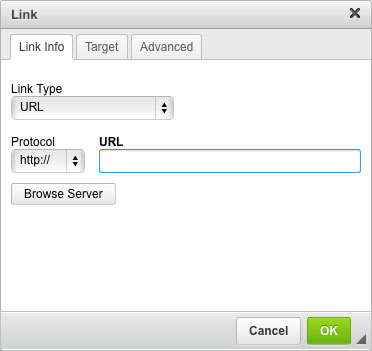
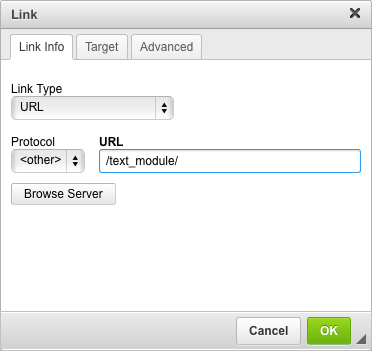
- First, copy and paste the page name that the module is located on. This would be the text listed after your website domain name. For example, you would only need to paste /text_module/ into the URL field for the page name http://support.tastycms.com/text_module/.
- Then, identify the module ID that you want to link to. In this example, the module ID number is #c12.
- Click "OK".
- Click "Save this content". You cannot test the link until you have saved the link in the text editor.