Add Documents
 Adding documents (PDFs, Word, Excel, etc.) within a Text Module for download:
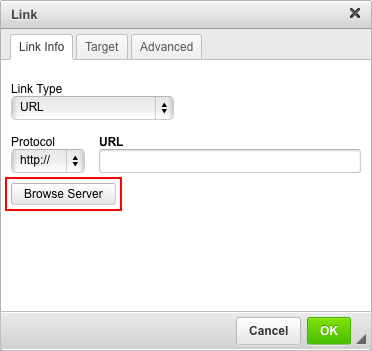
- Highlight the text and click the “Insert/ Edit Link” button (chain with a green plus sign). A popup window will appear.

- Click the “Browse Server” button. A larger popup window will appear.
- Underneath “Upload a new file in this folder”, click the “Choose File” button.
- Navigate to the appropriate file on your computer and click “Open”.
- Next click “Upload”.
- After upload, the file will appear in the listing. Click on the appropriate file.
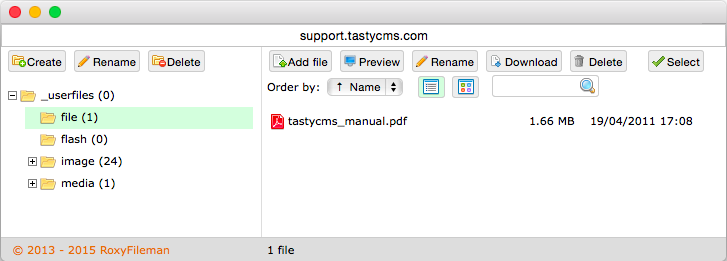
- The large popup window will close and the correct link will appear in the “URL” text box.
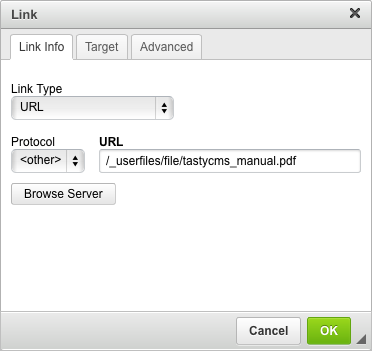
- Click “OK”.
- Be sure to “Save this Content”.
WARNING: Please do NOT upload PDF files that exceed 5mb.