Add a Link
 Internal and external links can be created the same way:
- Select the word or words you want to make a link.
- Click the chain with the green plus sign button.
- A pop up window will appear.
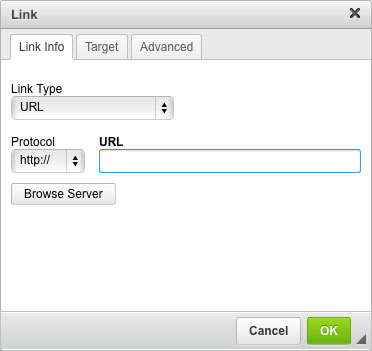
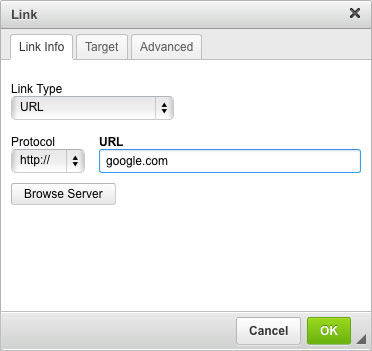
- External links - copy and paste the website address into the URL field. Example: google.com . This link will automatically open up in a new tab/window.
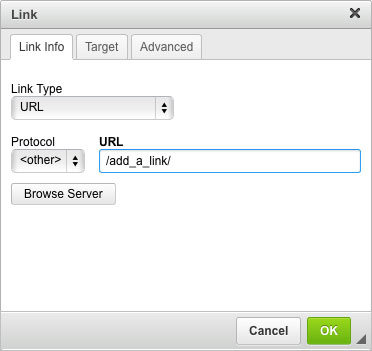
- Internal links - copy and paste the page name of your website that you want to link to. This would be the text listed after your website domain name. For example, you would only need to paste /add_a_link/ into the URL field for the page name http://support.tastycms.com/add_a_link/
- Click "OK".
- Click "Save this content". You cannot test the link until you have saved the link in the text editor.